AI Upscaling Won't Save Bad Footage — Here's What Will
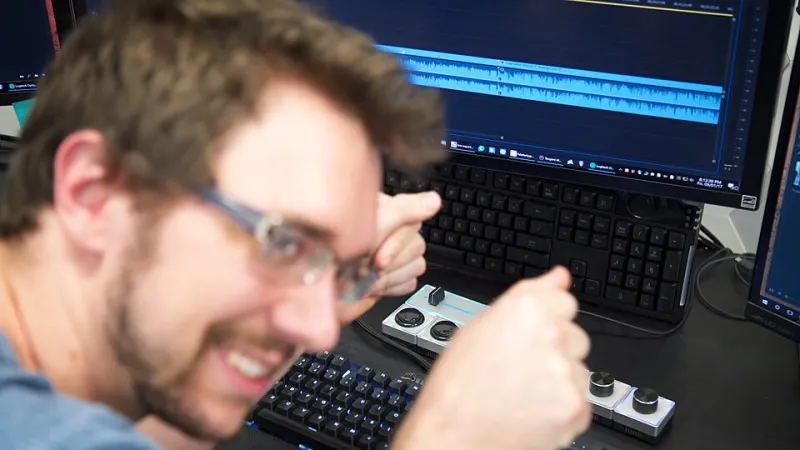
Photo: Taran Van Hemert, CC BY 3.0, via Wikimedia Commons
There's a seductive idea floating around creator communities right now, and it goes something like this: shoot at a lower resolution, run it through an AI upscaler, and nobody will know the difference. It sounds like a genius hack. Less storage, faster editing, smoother playback on your laptop — and then a little software magic cleans it all up before upload.
Except it doesn't really work that way. And if you've been leaning on this workflow, you might already be feeling the cracks.
What AI Upscaling Actually Does
Let's be straight about what these tools are doing under the hood. AI upscaling — whether you're using Topaz Video AI, DaVinci Resolve's Super Scale, or any number of browser-based options — doesn't recover detail that was never there. It invents it.
The algorithm looks at your low-resolution frame, makes educated guesses about what the missing pixels probably looked like, and fills them in. For still images, this can look impressively clean. For video, especially footage with motion, fine textures, or complex backgrounds, the results get inconsistent fast. You'll notice it most on hair, fabric patterns, foliage, and anything with fast movement. The AI smooths, smears, or hallucinates detail in ways that trained eyes catch immediately — and audiences feel even if they can't name it.
The footage doesn't look bad, exactly. It just looks off. And "off" is a credibility killer in a world where your viewers are watching on 4K TVs and high-res monitors.
The Time Cost Nobody Talks About
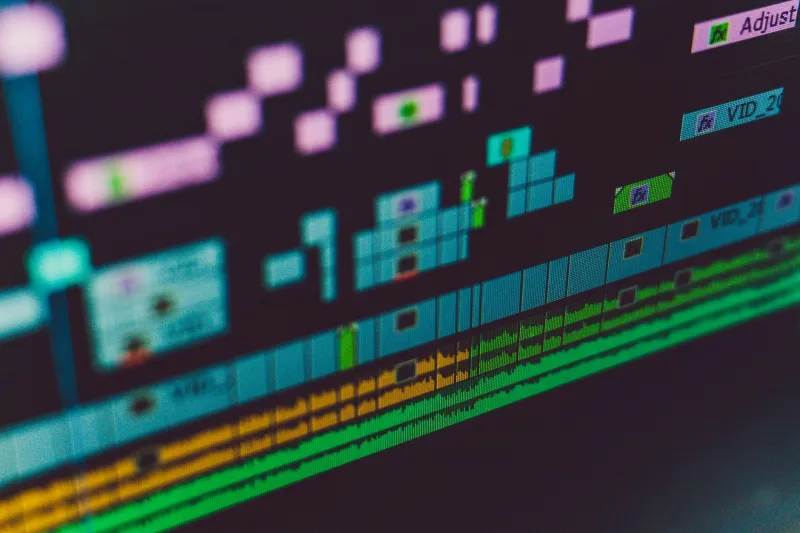
Here's the part that really stings: upscaling is slow. Even on a high-end machine, running a 10-minute clip through a quality AI upscaler can take 30 minutes to an hour or more, depending on your settings and the output resolution you're targeting. Do that across a full shoot and you've just added hours to your post-production pipeline.
Creators who adopt this workflow thinking it'll simplify their edit often discover the opposite. You're not cutting corners — you're just moving the bottleneck from the shoot to the render queue. And unlike actual in-camera resolution, that bottleneck scales with every project you take on.
For anyone doing client work or running a consistent content schedule, that time cost compounds fast. An hour here, two hours there — it adds up to a real chunk of your week, every week.
Why Lower-Resolution Shooting Hurts More Than You Think
Shooting at a reduced resolution doesn't just affect final image quality — it affects everything downstream. Your color grading flexibility shrinks. Reframing and stabilization in post become more destructive because you have fewer pixels to work with. Any crop you do eats directly into visible resolution rather than drawing from a larger sensor capture.
If you're shooting 1080p with the intention of upscaling to 4K, you've also lost the ability to punch in on your footage without a noticeable quality hit. That's a creative limitation that doesn't show up until you're in the edit, staring at a shot you wish you could tighten — and can't.
Shooters who work in 4K or higher from the start have a buffer. They can crop, reframe, apply stabilization, and still deliver a clean 1080p or 4K output without touching an upscaler at all.
The Storage Argument Doesn't Hold Up Anymore
One of the most common reasons creators give for shooting lower resolution is storage. And look, that was a legitimate concern five years ago. But storage costs have dropped dramatically. A 2TB portable SSD runs well under $150 now. High-capacity SD cards and CFexpress media have come down significantly too.
When you run the actual math — the cost of a proper storage setup versus the time you're losing to upscaling workflows and the quality you're giving up — the storage savings start looking pretty thin. You're not saving money. You're trading a small upfront cost for an ongoing time tax and a consistent quality ceiling.
What the "Fix It in Post" Mindset Is Really Costing You
The broader issue isn't just technical. It's a mindset that treats the shoot as a rough draft and post-production as the place where content actually gets made. That approach works for some things — color correction, audio cleanup, pacing. But resolution isn't one of them.
Unlike exposure or white balance, which carry real data that grading tools can work with, resolution is a hard ceiling. What your camera didn't capture, no software can genuinely restore. AI can approximate. It can smooth. It can fool a casual viewer in a lot of situations. But it can't manufacture the actual detail that a higher-resolution capture would have delivered.
The creators who are consistently putting out sharp, professional-looking content aren't relying on upscalers as a core part of their workflow. They're shooting at the resolution they need from the start, keeping their post pipeline clean, and spending their time on the creative decisions that actually move the needle.
Gear That Gets You There Without Breaking the Budget
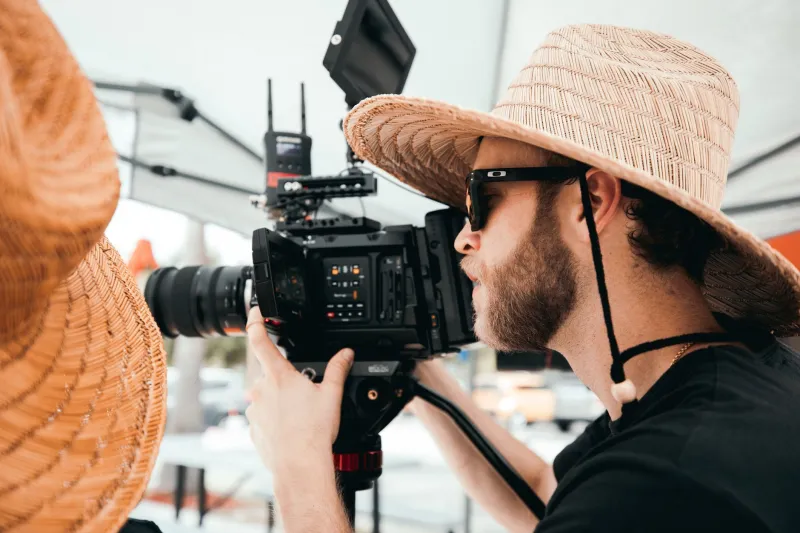
The good news is that shooting 4K — real, native 4K — is no longer a premium-tier feature. Cameras across a wide range of price points now offer solid 4K capture with decent bitrates and color profiles that hold up in post. You don't need a cinema rig to get clean, high-resolution footage that doesn't need a software rescue.
What you do need is to understand your camera's actual output. Not all 4K is equal. There's a difference between a camera that's natively capturing 4K and one that's binning or scaling from a higher-resolution sensor. Understanding your specific gear — what it's actually recording, what codec it's using, and how much latitude that gives you in post — is worth more than any upscaling plugin you could buy.
If your current camera is genuinely maxing out at 1080p and you're regularly delivering 4K content, that's a real conversation to have about an upgrade. Not because newer gear is always better, but because the right tool for your output resolution is going to save you time, improve your quality, and simplify your entire workflow.
Shoot Right. Edit Less. Deliver More.
AI upscaling has its place. If you're working with archival footage, repurposing older content, or dealing with a one-off situation where you simply don't have a better capture, it's a useful tool. But as a core strategy for modern content creation? It's a workaround masquerading as a workflow.
The creators who are building sustainable, scalable content operations are doing it by capturing quality at the source — not by patching it in post. Better resolution from the start means more creative flexibility, faster edits, and content that holds up wherever it gets watched.
That's not a gear flex. That's just how good content gets made.