Why Your USB Mic Is Holding You Back (And What a Real Audio Setup Actually Costs)

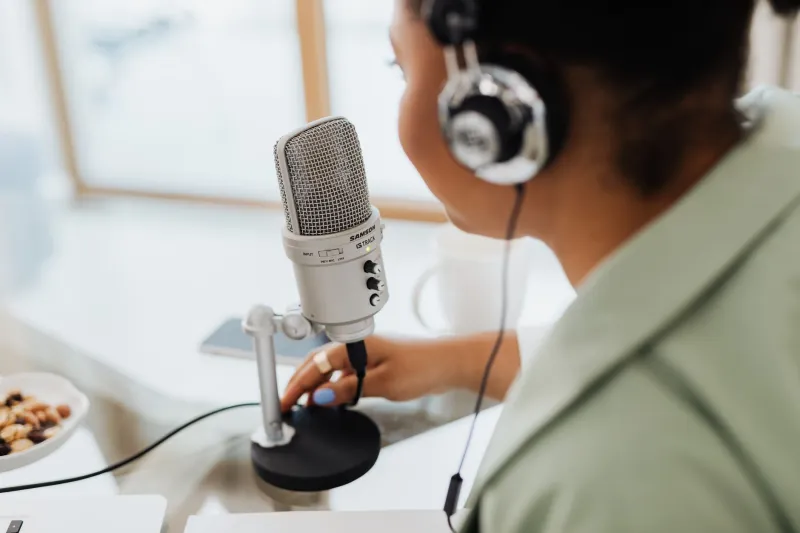
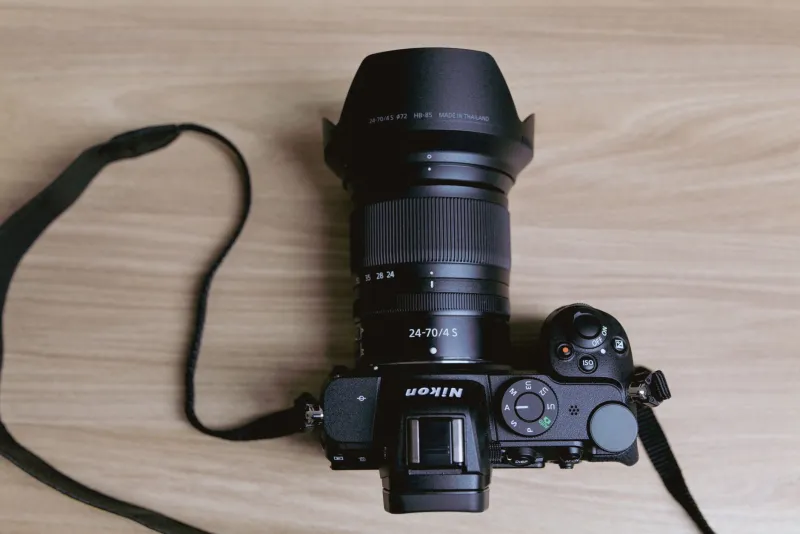
Let's be real: if you're still running a USB condenser mic plugged directly into your laptop, you're leaving quality on the table. Not a little quality — a noticeable, embarrassing-to-listen-back-to amount of quality. And the frustrating part? You've probably spent more money upgrading your camera body in the last year than it would cost to fix your audio chain entirely.
This is the conversation most gear content skips over. So let's have it.
The USB Mic Ceiling Is Real
USB microphones are genuinely impressive for what they are. A $100–$150 USB condenser can sound decent in a treated room with good mic placement. For casual streaming, occasional video calls, or someone just getting started, they're a reasonable entry point.
But here's what USB mics can't do, no matter how much you spend on them:
- They can't use external preamps, which means you're stuck with the cheap preamp circuit built into the mic itself
- They don't give you real-time monitoring without latency (or at all, on many models)
- They're not compatible with the broader XLR microphone ecosystem — which is where the genuinely great-sounding mics live
- Their gain staging is fixed or limited, making them harder to optimize for different recording environments
Spend $200 on a USB mic and you're still hitting the same ceiling. Spend $200 on an audio interface and a decent XLR mic, and you've broken through it.
What an Audio Interface Actually Does
An audio interface is the box that sits between your microphone and your computer. It converts analog audio (your voice, your instrument, whatever you're recording) into a digital signal your computer can work with — and it does it using a dedicated preamp that's almost always significantly better than what's built into your laptop's sound card or a USB mic's internal circuitry.
Better preamp = cleaner signal = less noise floor = more professional-sounding audio. That's the whole equation.
Beyond the preamp quality, a good interface gives you:
- Zero-latency direct monitoring — hear yourself in real time without the delay that makes USB mics difficult to use with headphones
- Proper gain control — a physical knob to dial in exactly the right input level for your voice and environment
- Expandability — add more mics, instruments, or a second host without buying a new audio setup from scratch
- Phantom power — which most condenser microphones (the kind that sound great for voiceovers and podcasts) require to operate
The $300 Breakdown: Where Your Money Actually Goes
Here's a practical starting point for a real audio upgrade:
Audio Interface: $100–$150 The Focusrite Scarlett Solo and the PreSonus AudioBox USB 96 are both solid entry points that show up on desks across the US podcasting and content creation world. Either one will outperform the preamp in any USB mic at this price range.
XLR Microphone: $100–$150 The Audio-Technica AT2020 is the classic recommendation for a reason — it's a workhorse condenser that sounds clean, handles a variety of voices well, and pairs nicely with budget interfaces. If you're doing a lot of dynamic environments or want a more forgiving pickup pattern, the Shure SM7dB (a powered version of the legendary SM7B) is worth the stretch.
Total: Around $250–$300
For the same money that most creators spend on a mid-tier camera accessory, you've completely transformed the weakest link in your content chain.
Why Audio Improvements Hit Different Than Camera Upgrades
Here's an opinion worth sitting with: your audience will tolerate mediocre video. They will not tolerate bad audio.
This isn't just a content creator theory — it's been validated repeatedly by viewer behavior data. People click away from videos with poor audio quality faster than they click away from videos with poor video quality. Your viewers might not consciously notice that your footage is a little soft or slightly underexposed. But they will immediately notice if your voice sounds like you're recording in a bathroom, or if there's a persistent hiss under every word you say.
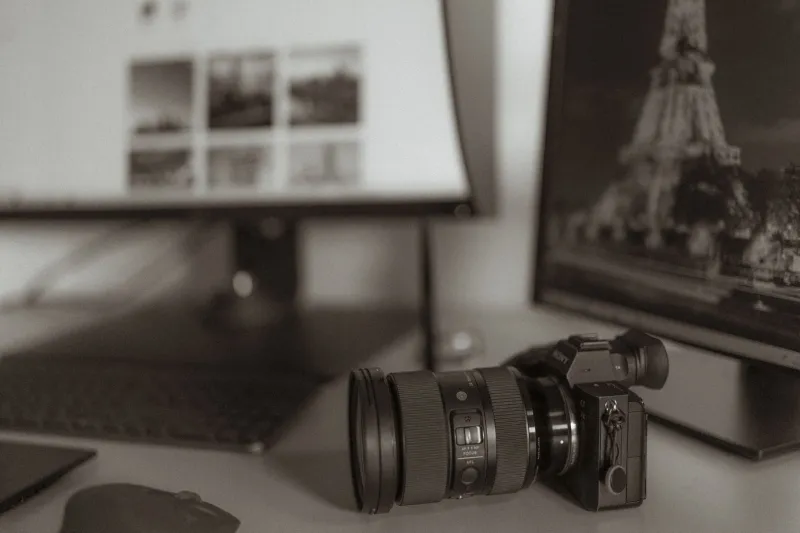
The upgrade from a USB mic to an XLR setup with a proper interface is one of the most perceptible improvements you can make to your content. More noticeable than going from a crop sensor to full-frame. More noticeable than upgrading your lens. And significantly cheaper than either of those moves.
Real-World Impact: Podcasts, Voiceovers, and Interviews
For podcasters, the difference shows up immediately in listener retention. Clean audio with low noise floor and consistent levels signals professionalism — it tells your audience (and potential sponsors) that you take this seriously.
For voiceover work, the stakes are even higher. Clients and platforms can hear the difference between a USB mic and a properly set up XLR chain. If you're doing Fiverr voiceovers, YouTube ad reads, or any kind of paid audio work, upgrading your setup is a direct investment in your earning potential.
For interviews — whether you're hosting a podcast, conducting on-camera interviews for YouTube, or doing corporate video work — an audio interface opens up the possibility of running two XLR mics simultaneously. That's a feature most USB mics simply can't offer.
The Bottom Line
Your camera setup deserves good gear — that's literally why ShopCamV exists. But if your audio chain is still running through a USB mic plugged into a laptop headphone jack, your content has a ceiling that no camera upgrade is going to raise.
Spend the $300. Get the interface. Get the XLR mic. Spend a weekend learning gain staging and mic placement. Your audience will notice before they can even explain why — and that's exactly the kind of invisible upgrade that separates creators who grow from creators who plateau.