Shooting 4K for a 1080p World Is Wrecking Your Workflow — Here's How to Fix It
Let's be honest: when you first found out your new camera could shoot 4K, you probably left the setting there and never looked back. It feels like the responsible choice. More resolution, more detail, more flexibility — what's not to like?
A lot, as it turns out.
For a huge chunk of creators — YouTubers, Instagram Reels makers, Twitch streamers, and even a good number of freelance videographers — shooting at maximum resolution isn't a power move. It's a productivity trap. And once you understand the real cost of overproducing your footage, you'll start thinking about resolution the same way a good editor thinks about word count: more isn't always better.
The Resolution Bragging Rights Problem
Camera manufacturers have done a masterful job of making resolution feel like the most important spec on the box. 4K sounds better than 1080p. 6K sounds better than 4K. And sure, in a vacuum, higher resolution does give you more raw information to work with.
But here's the thing: your audience doesn't watch your footage in a vacuum. They watch it on YouTube at whatever resolution their internet connection allows. They swipe past your Reels on a phone screen. They sit through your client presentation on a 1080p projector in a conference room in suburban Ohio.
The delivery format is the ceiling. Everything above it is overhead — and overhead costs you time, money, and sanity.
What 4K Is Actually Doing to Your Hard Drives
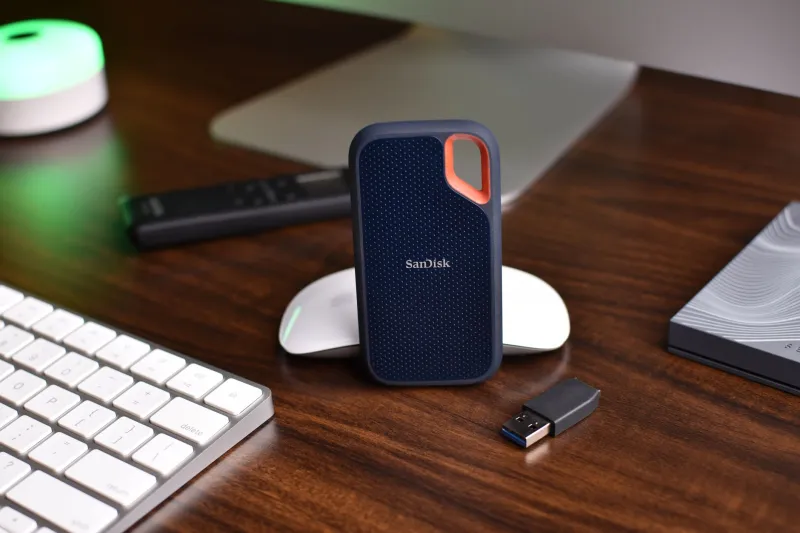
Here's a number worth sitting with: 4K footage at a typical 100 Mbps bitrate eats through roughly 45 GB per hour. Shoot 1080p at a comparable quality setting and you're looking at around 13–15 GB for the same hour of footage.
That's three times the storage for content that, in most cases, is going to get compressed down to 1080p or even 720p the moment it hits YouTube's servers anyway.
If you're shooting three to five hours of footage a week — which isn't unusual for active creators — you're looking at potentially 150–200 GB of 4K raw files versus 50–60 GB in 1080p. Over a month, that gap turns into terabytes. Over a year, you're buying hard drives you didn't budget for, on a schedule you didn't plan.
Storage isn't free. Neither is the time you spend managing it.
Your Editing Timeline Is Paying the Price
Storage bloat is annoying. Sluggish editing is a workflow killer.
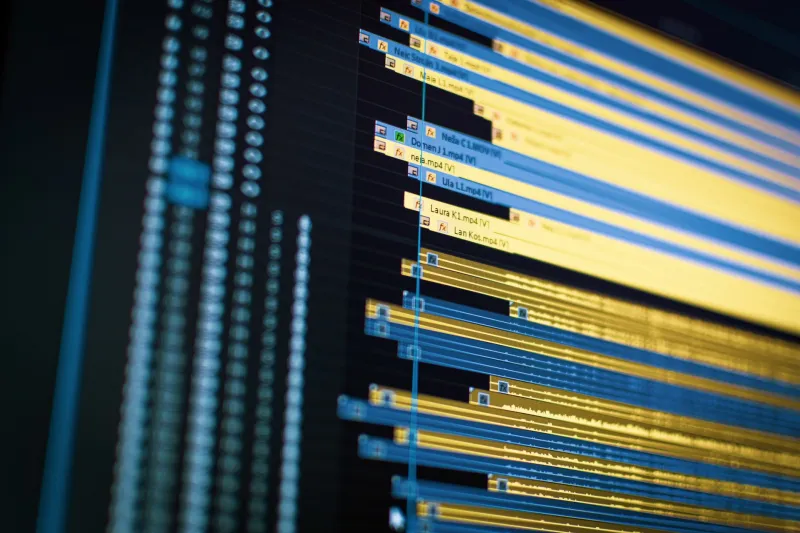
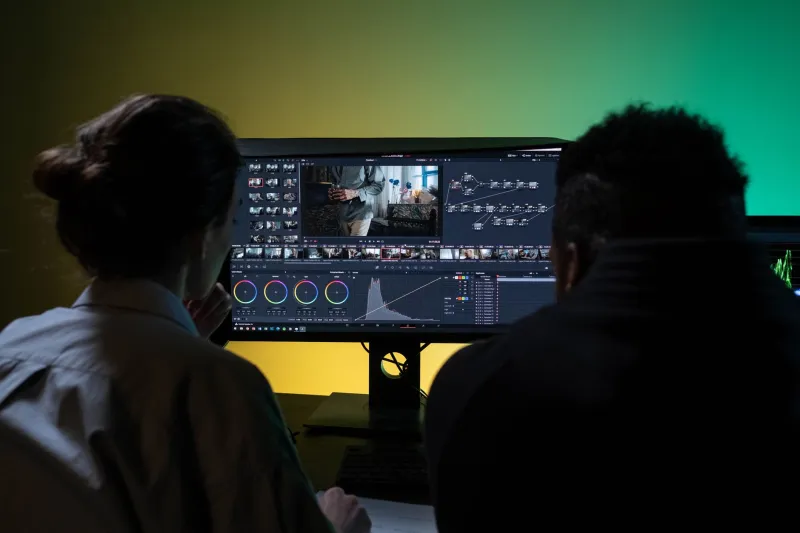
4K footage demands serious processing power. If you're cutting on a mid-range laptop — or even a desktop that's a few years old — dropping 4K clips onto your timeline in Premiere Pro or DaVinci Resolve can turn a smooth editing session into a frustrating slideshow of dropped frames and spinning beach balls.
Proxy workflows help, but they add steps. You have to create the proxies, link them, edit with them, then relink to the original files before export. That's not complicated, but it is time — time that compounds across every single project you do.
Shoot in 1080p on that same machine and you can often edit native footage in real time with no proxies at all. Your timeline scrubs smoothly, your color work is responsive, and your render queue doesn't turn into a reason to go make dinner and watch TV.
When 4K Actually Makes Sense
To be clear: this isn't an argument against 4K across the board. There are legitimate reasons to shoot at higher resolutions, and knowing them helps you make smarter decisions.
You're planning to reframe in post. One of the best uses of 4K when delivering in 1080p is the ability to punch in, adjust framing, or create a second angle from a single shot without losing resolution. If you're a solo creator who can't afford a second camera, this is genuinely useful.
Your client is asking for 4K deliverables. Commercial work, real estate video, corporate content — some clients specifically want 4K files, either for future-proofing or large-format display. In that case, shoot what the job requires.
You're producing content for a large-screen context. Cinema, broadcast, or digital signage where the screen size actually justifies the resolution? Yes. Shoot 4K or higher.
You have the hardware to handle it. If you're running a current-gen Apple Silicon Mac or a beefy PC workstation, 4K editing might not slow you down at all. In that case, the overhead is less of a burden — though storage costs still apply.
Outside of those scenarios? You're probably paying the 4K tax for no real return.
A Practical Framework for Picking Your Capture Resolution
Instead of defaulting to whatever your camera's marketing materials celebrate, run through this quick checklist before every project:
1. Where is this content going to live? YouTube, Instagram, TikTok, Facebook — all of these platforms cap out at 1080p for most practical purposes. Even YouTube's 4K playback is limited by viewer bandwidth and screen size. Know your platform before you set your resolution.
2. What is the final deliverable? For client work, ask explicitly. Don't assume they want 4K. A lot of businesses still screen content on 1080p displays.
3. What can your editing machine actually handle? Be honest with yourself here. If your computer struggles with 4K, shooting 4K is choosing frustration over practicality. Match your capture format to your post-production reality.
4. Do you need the reframing flexibility? If you're a one-person operation shooting interviews or vlogs solo, the ability to reframe 4K footage in a 1080p timeline is a legitimate reason to shoot higher. Factor that in.
5. How much storage do you have, and what does it cost you? If you're constantly buying new drives or paying for cloud storage overages, your resolution choice is costing you real money. Calculate it.
The Bigger Picture
There's a version of this conversation that's about gear specs, and there's a version that's about how you actually work. At ShopCamV, we care about both — because the best camera setup isn't the one with the most impressive numbers on paper. It's the one that fits your workflow, your hardware, your budget, and your delivery requirements without creating unnecessary friction.
Shooting 4K because your camera can is like driving a pickup truck in four-wheel drive on dry pavement every day because it feels more capable. You're just burning extra fuel.
Figure out what you actually need to deliver. Set your camera to match that. And spend the time and money you save on the parts of your setup that actually move the needle — better audio, better lighting, better lenses.
Your audience will thank you. Your hard drives definitely will.